A DVR with multiview and remote viewing built in
Your recordings stay on your disk. Antenna and IPTV channels in one guide.
Needs an HDHomeRun tuner and an antenna. Available today on the web — TV and mobile apps arrive at launch.



WHAT IT DOES
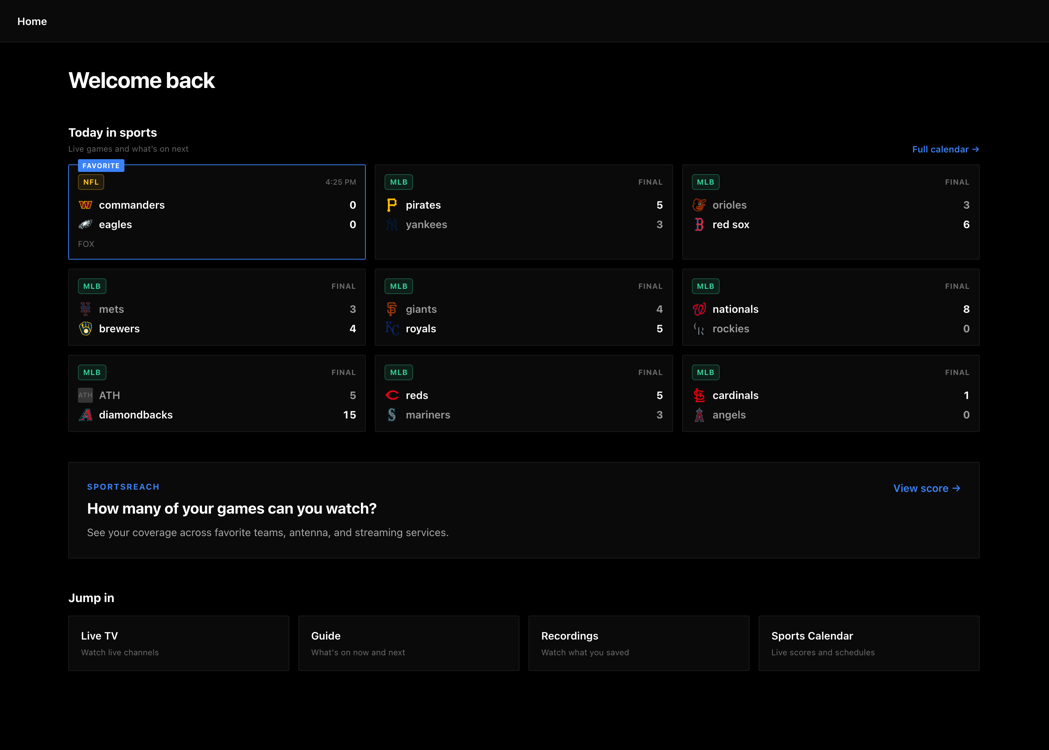
THE SAME DVR ON EVERY SCREEN
Set a recording on the television and it is waiting in the browser — any computer or phone is already a client. Sports schedules and live scores are built in.
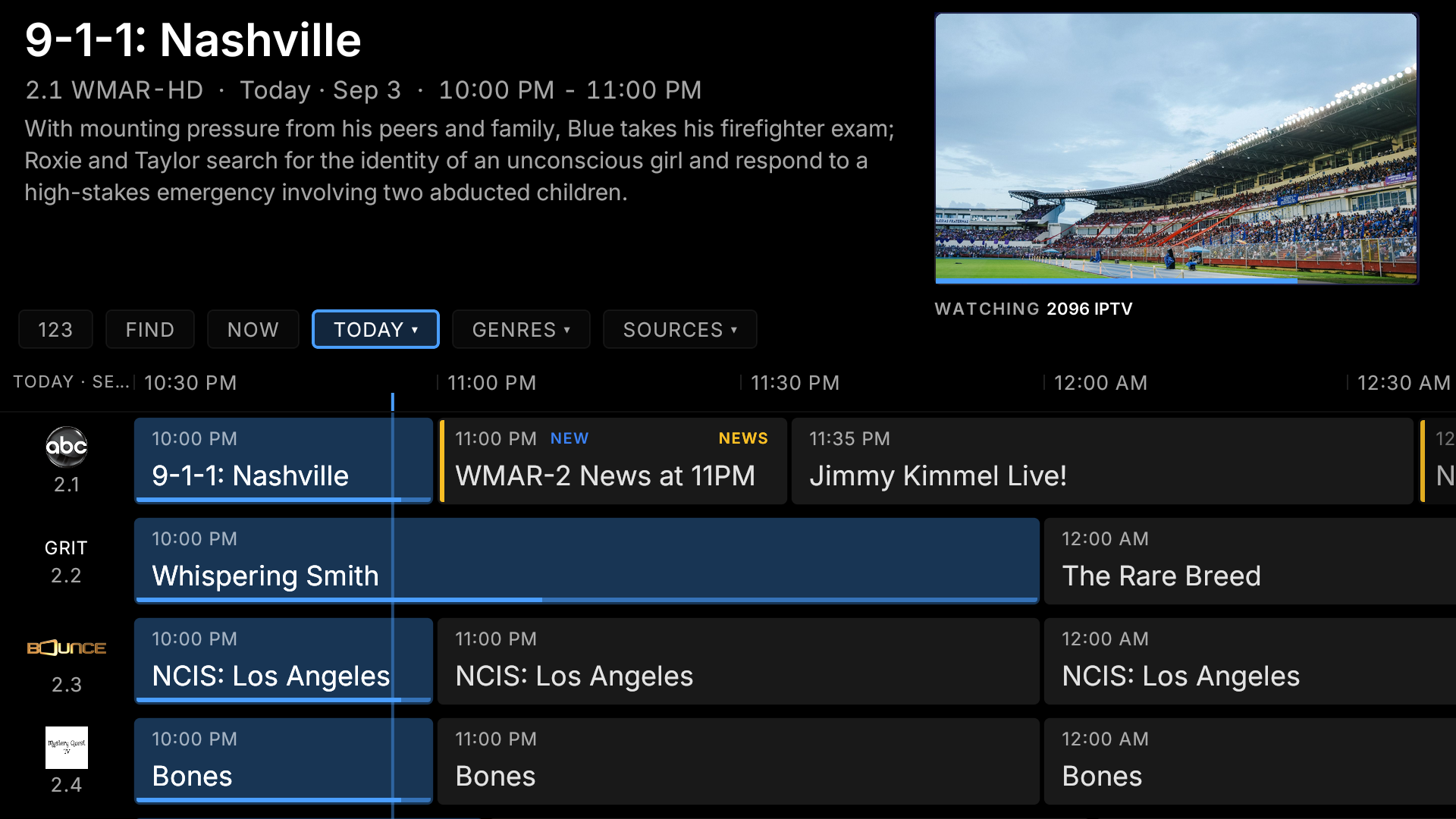
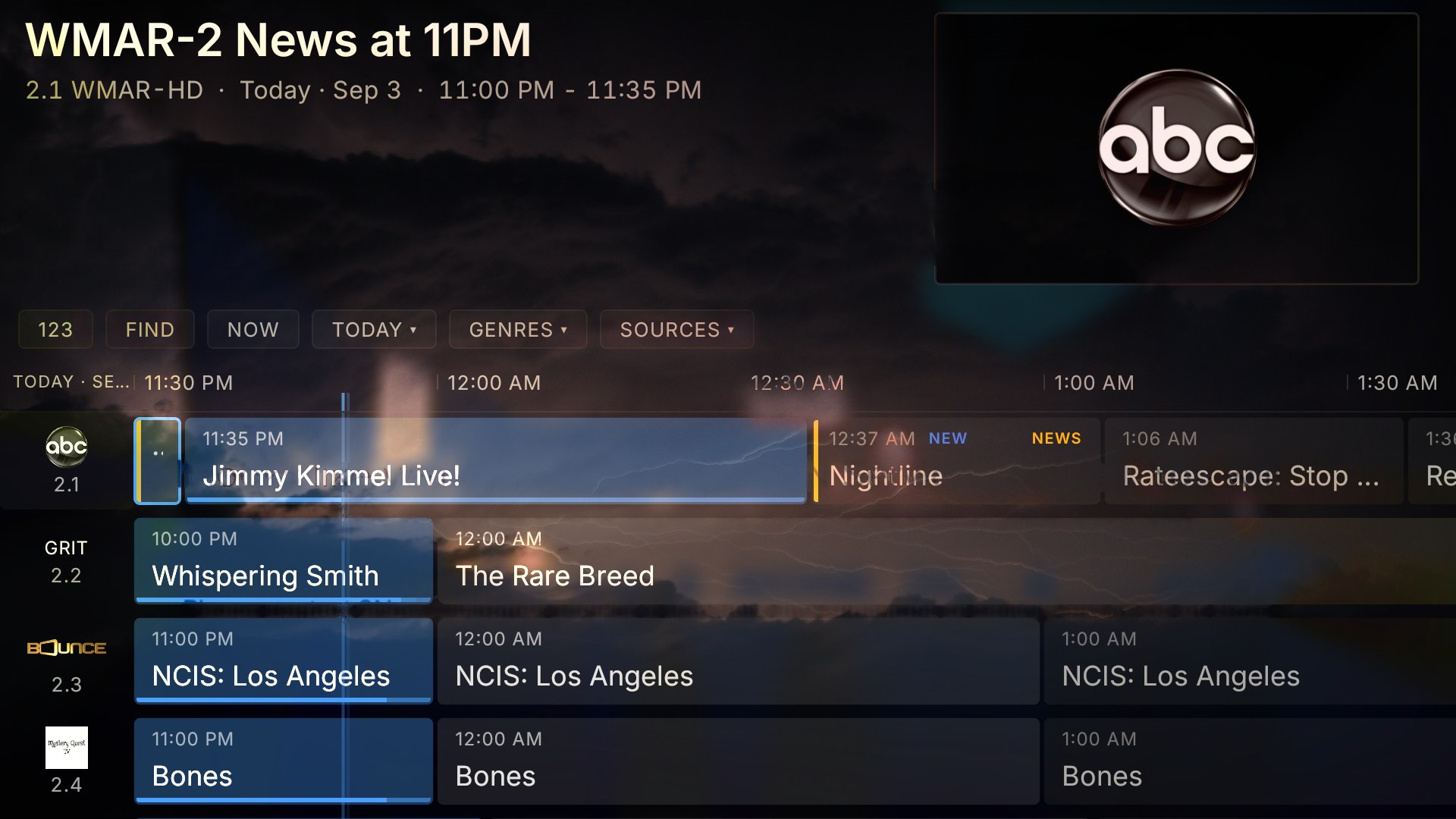
One guide, every source
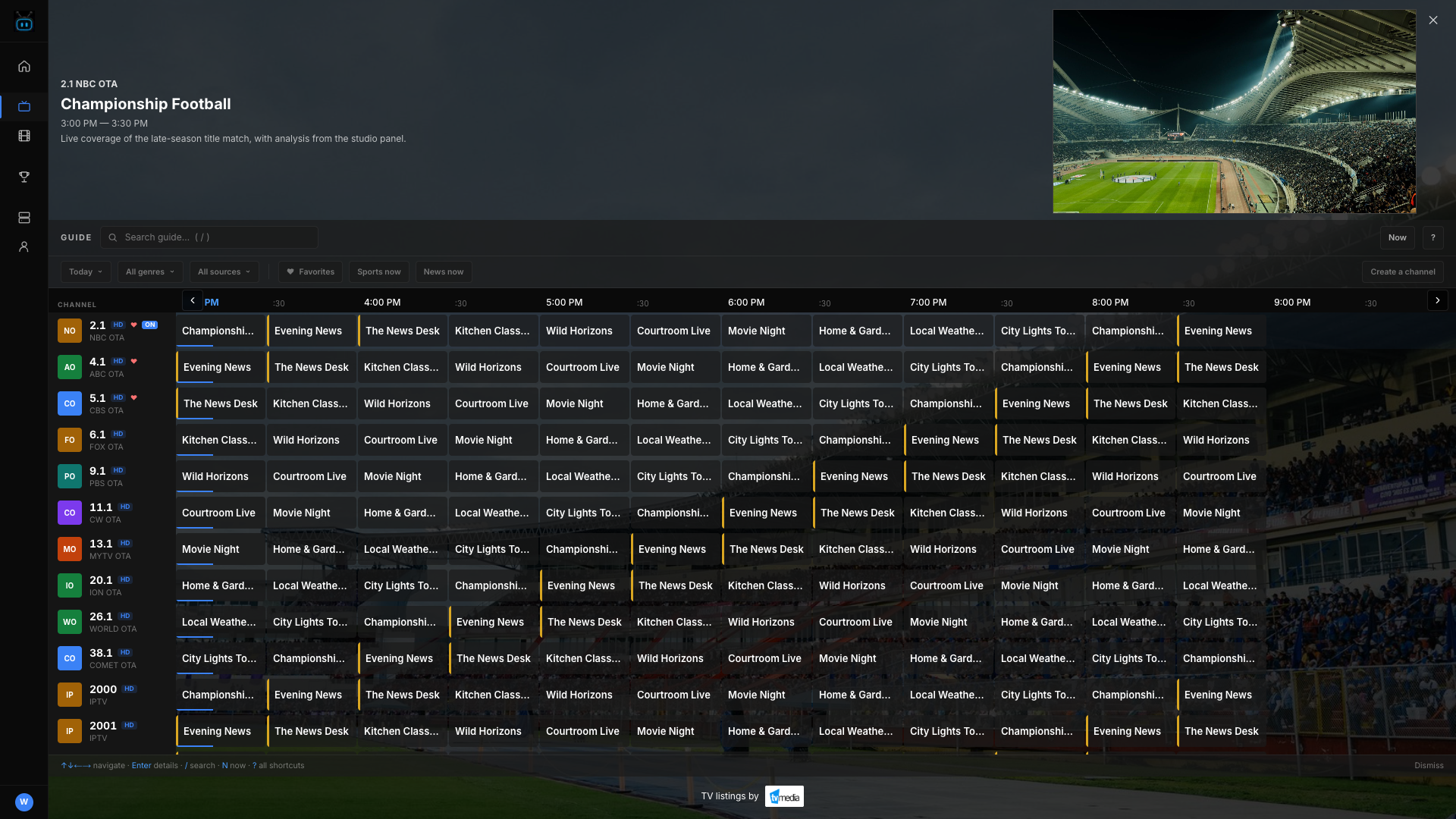
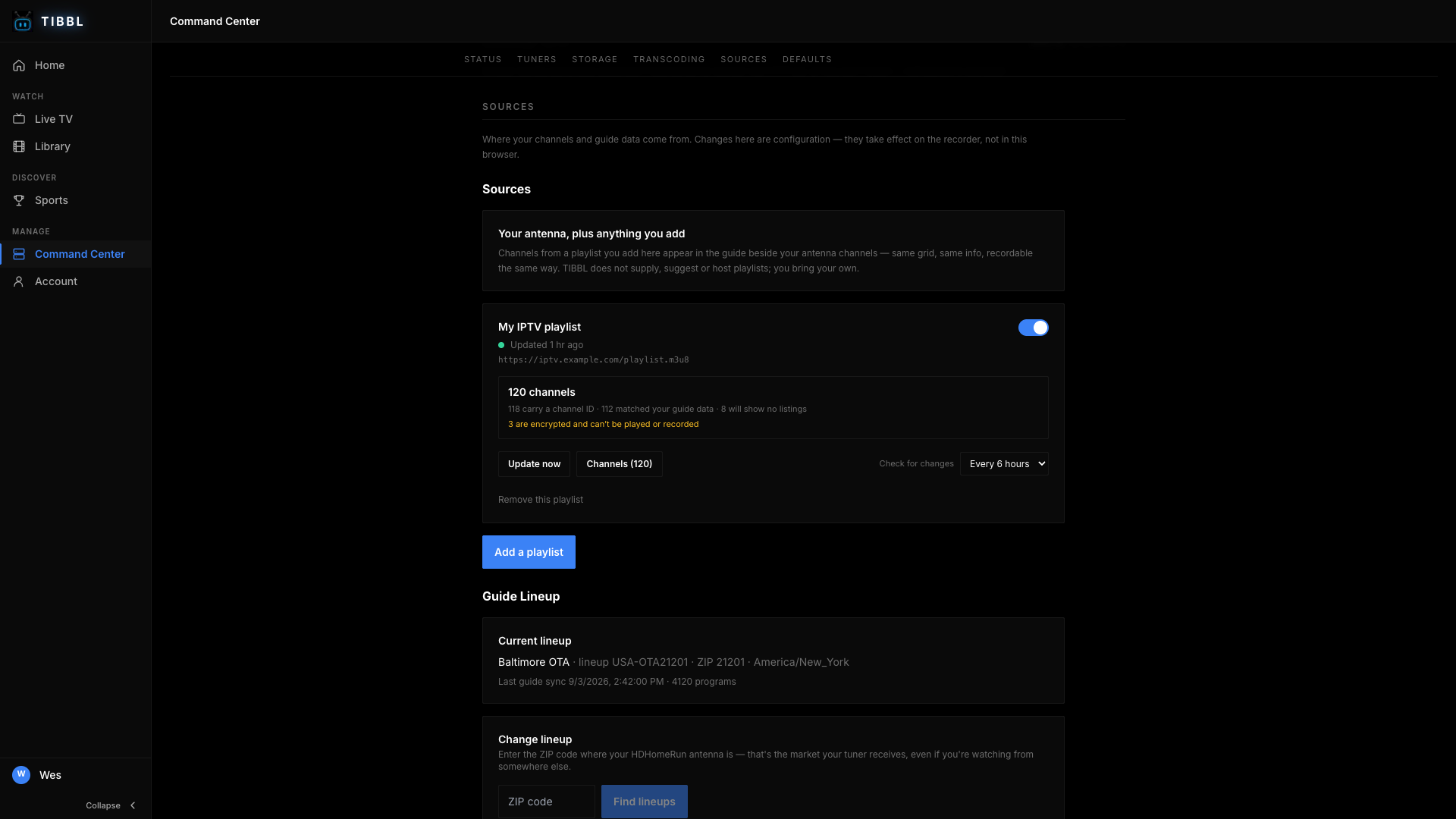
Antenna channels and your M3U playlists share one grid, with listings for now and next.
Record without a storage bill
Record a programme or a whole series to your own disk. The only limit is the space you have.
Pause and rewind live TV
Stop live TV, go back for the bit you missed, then catch up to the live edge.
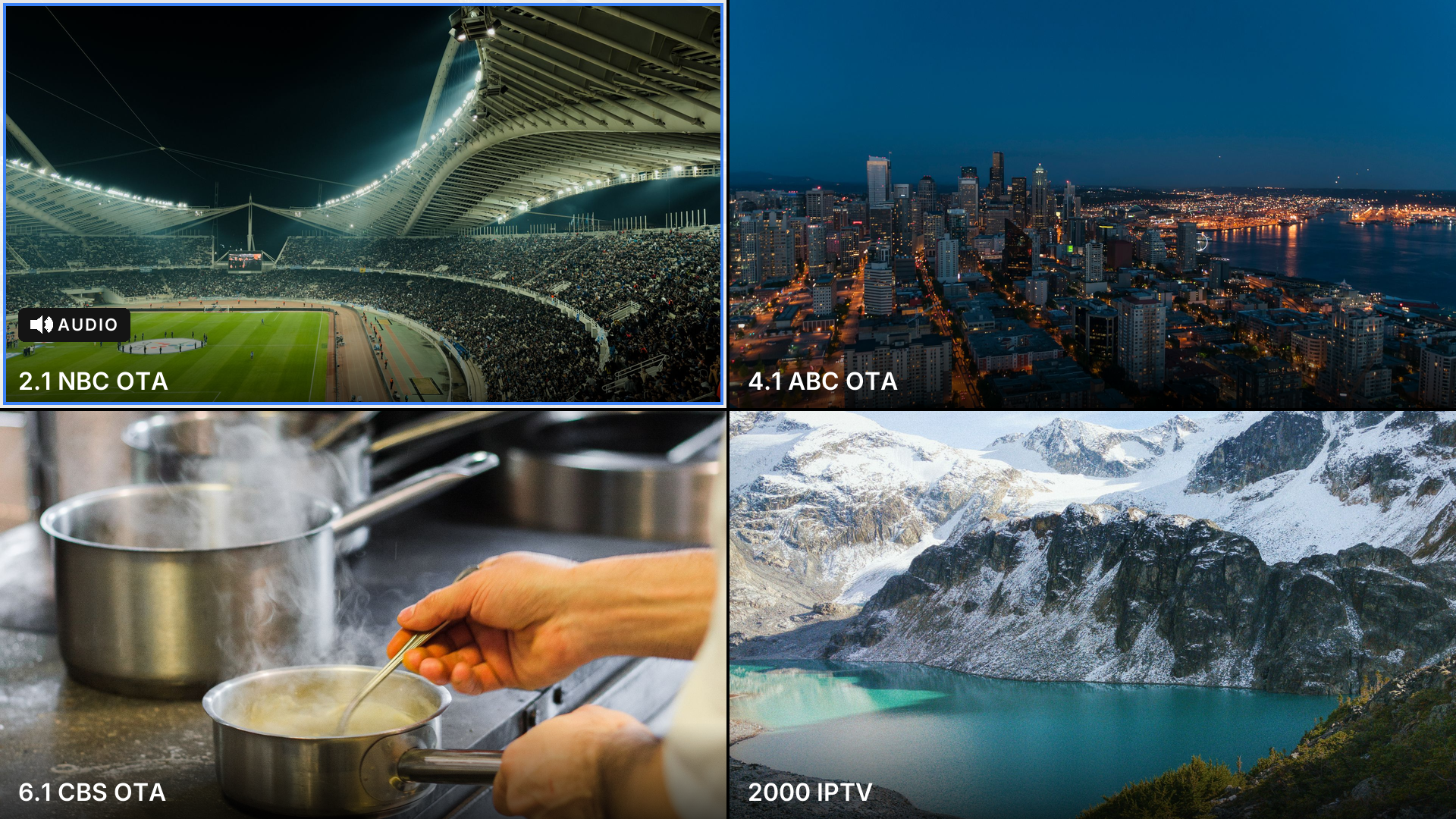
Several channels at once
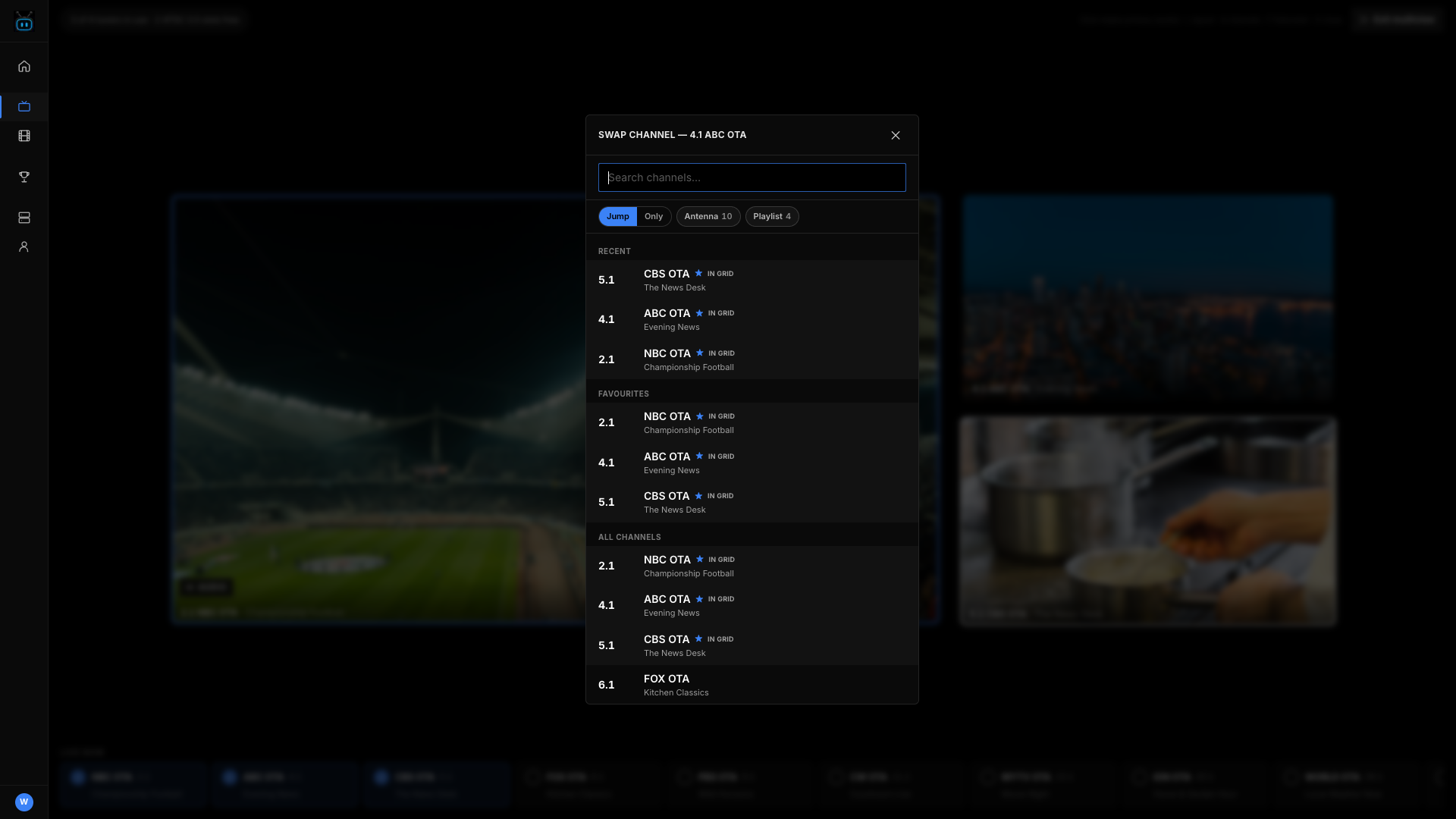
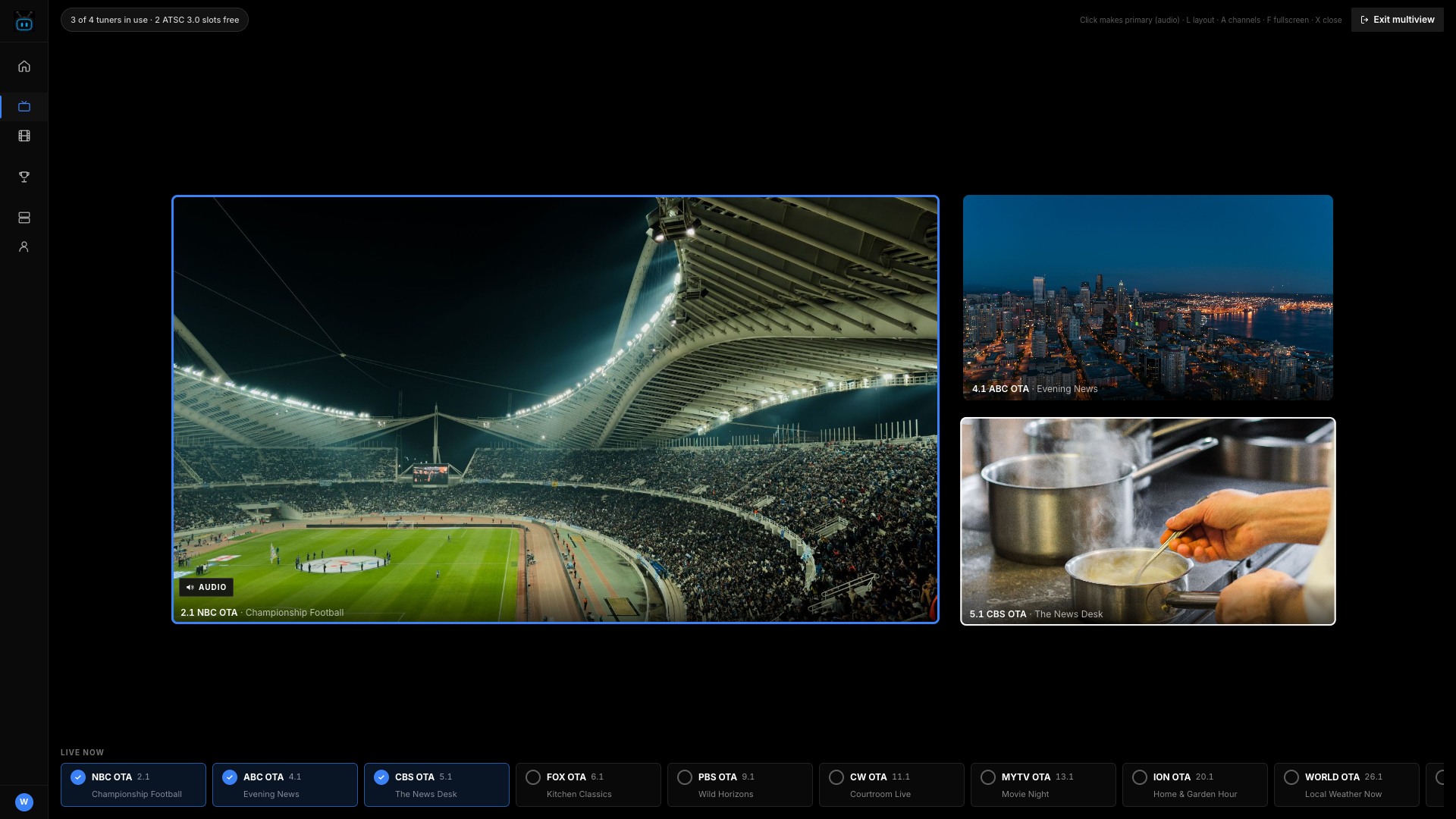
Put up to four channels on screen together and move the sound between them.
On Fire TV and in the browser. Each channel on screen occupies one tuner, so a two-tuner box shows two.
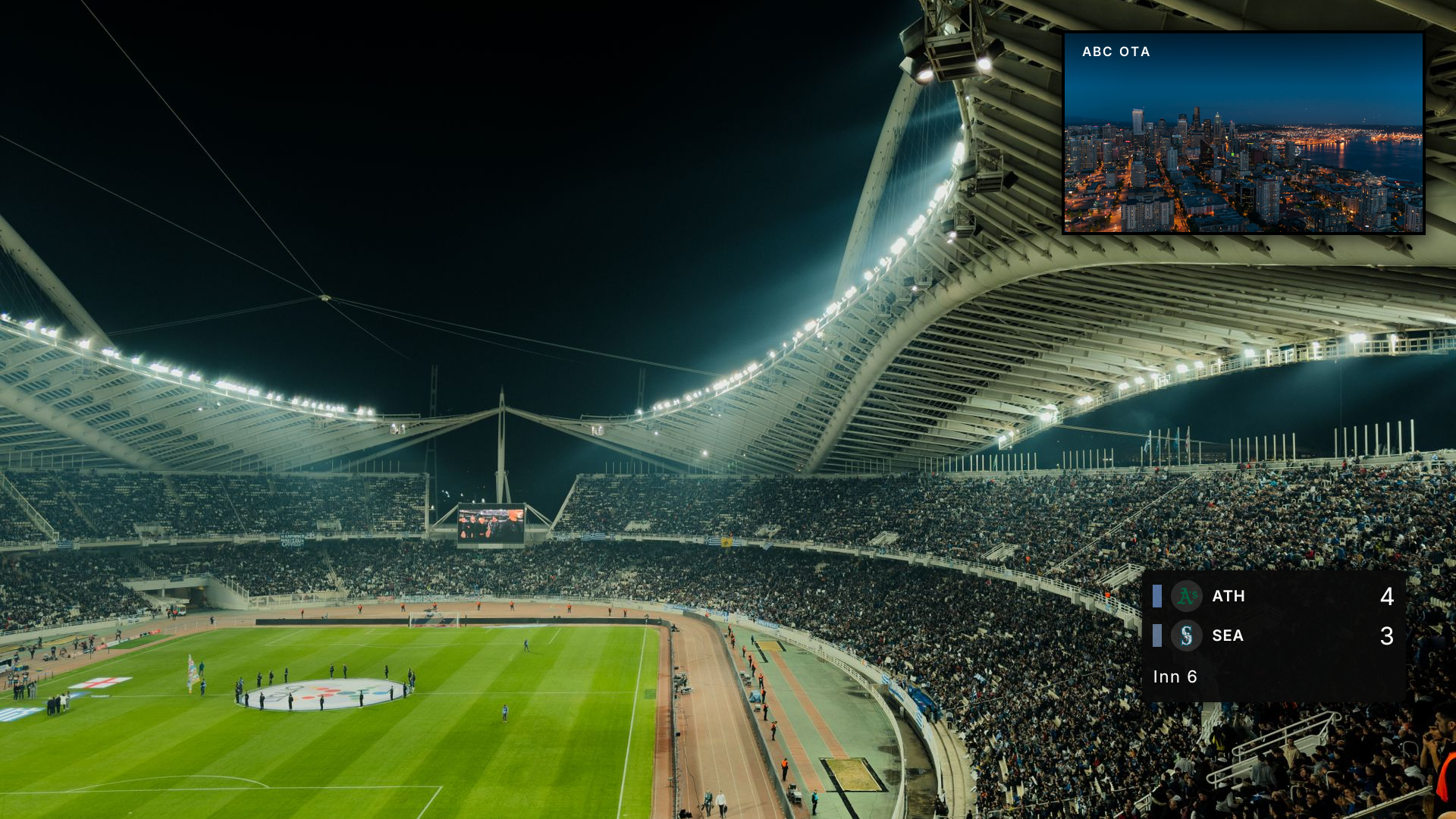
Keep watching while you browse
Picture-in-picture keeps the current channel in the corner while you browse the guide.
Watch from anywhere
Live channels and recordings reach you outside the house, with no port to open on your router.
Picture quality away from home is limited by your home upload speed.
THE SCREENS
Any browser is already a client — the guide, multiview, recordings and settings, with nothing to install.
WATCH ON
- Web browser
- Fire TV
- iOS
- Android TV
- Google TV
- Roku
- Apple TV
- LG webOS
Arriving at launch and coming soon mean not released — nothing on those lists is downloadable yet.
WHAT YOU NEED
- HDHomeRun FLEX 4K
- HDHomeRun FLEX DUO
- HDHomeRun CONNECT QUATRO
- HDHomeRun CONNECT DUO
An HDHomeRun network tuner with an antenna, on the same network as the agent. These are the ones we have tested.
Your M3U playlists appear in the same guide as your antenna channels. TIBBL does not supply or resell channels — you bring the sources you already have.
THE AGENT
ONE SMALL PROGRAM ON A COMPUTER YOU ALREADY OWN
What it is. A free program for a Mac, Windows or Linux computer at home. Start it once and it sits quietly in the menu bar or system tray.
Why it exists. It talks to your tuner, starts recordings on time, and hands the video to whichever screen is asking. Your recordings stay on your own disk — we never hold a copy, and there is no storage fee.
What you have to do. Install it, sign in, and leave that computer on. It finds your tuner by itself and picks up again on its own after a reboot.
What happens if you turn it off. Nothing is lost, but recordings and live TV stop until it is back. The apps say the agent is offline rather than leaving you guessing.

How you know it is working
- A recording needs that computer awake. A laptop that sleeps will miss it.
- Run it on one computer, or your recordings end up split between two.
- Windows and Linux builds are unsigned, so those systems warn on first launch. The Mac build is signed and notarized.
SETUP
Three steps, once. Most of it is waiting for a channel scan.
PLUG IN THE TUNER
Connect your antenna to the HDHomeRun and the HDHomeRun to your router, then run its channel scan. This is the only part that involves a cable.
INSTALL THE AGENT
Download it below, open it, and sign in with your TIBBL account. It finds the tuner on its own — there is no address to type in.
OPEN THE APP
Install TIBBL on your Fire TV, or just go to app.tibbl.tv. Sign in with the same account and your channels are already there.
DOWNLOAD
GET THE TIBBL AGENT
The agent runs on a computer on your home network and turns your HDHomeRun tuner into a whole-home DVR. Get the latest release below.
DOWNLOAD FOR MACSigned and notarized by Apple — it opens normally.
You need an HDHomeRun network tuner with an antenna connected on the same network as the agent. FLEX DUO, FLEX 4K, CONNECT QUATRO, and CONNECT DUO are supported.
The agent is the piece that talks to your tuner and records to your disk. You watch on your television or in a browser, and those are free — see where TIBBL runs.
PRICING
- Live TV from your antenna, on Fire TV and the web
- Recording and a searchable library
- Pause and rewind live TV
- One guide across antenna channels and your own M3U sources
- Watch from outside the house
- No contract, cancel anytime
Recording storage is your own disk, so there is no cap and no storage fee. You supply the antenna, the tuner and the computer the agent runs on. TIBBL does not sell channels or content.
FEEDBACK AND KNOWN ISSUES
Known Issues
- Guide data takes about 60 seconds to fill in on first setup.
- Picture quality away from home is limited by your home upload speed.
- Roku, Apple TV, LG webOS and iOS are not released yet.
- Some local station logos and programme artwork are missing.
- A handful of shopping channels have listings we know are wrong. We would rather leave those blank than invent times.
- Windows and Linux agent builds are unsigned, so those systems warn on first launch. The Mac build is signed and notarized.
- Run the agent on one computer only. A second one will split your recordings across both.
Weighing TIBBL against something else? We wrote up the honest differences: Channels DVR, Plex, Jellyfin and Emby.